No one likes to be duped, especially when it comes to giving up high stakes personal or financial information. Unfortunately, phishing emails aren’t going anywhere and the scammers sending them out are only getting savvier.
In 2022, a whopping 300,497 phishing victims incurred a total loss of $52,089,159 just in the United States, to say nothing of a global tally.
That’s why our team at Resolve I.T. wants to educate our clients on how to identify a phishing email and what to do about it when you spot one. Trust us, if you haven’t already, it’s only a matter of time before you find yourself on the end of a phishing line.
What is phishing?
You can’t expect to recognize or respond to a phishing email or message without first understanding the purpose of phishing and why scammers do it.
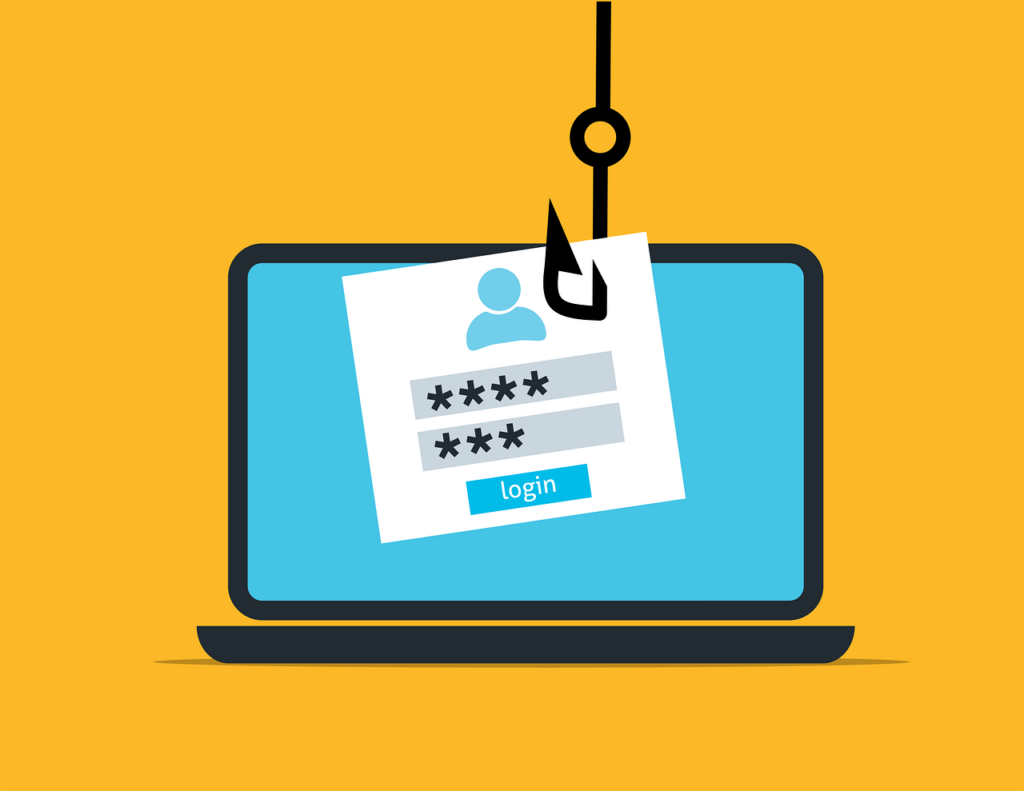
Phishing is a type of cyber attack in which scammers pose as legitimate entities to deceive individuals into divulging personal or financial information. Why? Their goal is to trick you into giving up credit card numbers, PINs, or passwords that they can then use to their advantage, whether that means opening new lines of credit, taking our personal loans or even getting a driver’s license.
Common targets: we’re all in this together.
You might be reading this thinking, “I’d never fall for that.” On the other hand, you might be red-faced and wondering “How did I ever fall for that?” Let us set the record straight: these scammers do not discriminate. Anyone can be a target of phishing, including:
- Individuals using personal email or messaging accounts.
- Employees of organizations, to gain access to corporate data.
- Customers of popular online services or banks.
This all adds up to say that if you have an email account, a job and ever use a bank, you could be targeted by phishing scammers. In fact, IBM’s Cost of a Data Breach report points to phishing as the most common type of data breach, representing 16% of all breaches, which can cost an average $4.76 million annually.
In other words, we’re all targets. That doesn’t mean we have to be victims.
Common signs of a phishing email or message
We’ll go through some telltale signs of a phishing campaign so that you know what to look for the next time something hits your inbox and sets your Spidey senses a-tingling.
- Suspicious sender email address
It sounds obvious but one of the first things we want you to check is the sender’s email address. Why? Phishers often use email addresses that look similar to authentic ones but may have slight misspellings or added characters.
We know you’re busy, but take the time to check for a sender that looks like [email protected] versus [email protected]
Right away, you should feel confident that you’ve spotted a phishing email.
- Generic or just downright odd greetings
Personalization is rare with respect to phishing messages. Rather than “Dear Patrick,” you might be presented with “Dear Customer” or “Dear User.” We beg of you, please be immediately on your guard if you click on an email with a phishy greeting like “Hi Dear.” This sender most definitely does not know you, but they sure would like to get personal with your confidential information.
- Urgent or threatening language
A legitimate email from a real company should never elicit a fear response from you. In other words, if you receive a message with a subject line such as “Your account has been hacked!” or “Attempt to deliver was unsuccessful. Package will be returned if your information is not updated immediately,” should raise a bold red flag in your mind that something is definitely up — but it has nothing to do with your account or supposed package delivery.
- Bizarre or random requests
If you get a random request asking for confidential information, be it a password or other account detail, don’t bite. For instance, you might get an email that includes a link to “Click Here to Update Your Address,” in order to process your refund on an order for which you were double-charged in error.
- Suspicious links or attachments
Similar in scope to a bizarre or random request, you might receive an email that alerts you to unusual sign-in activity with a button to review that actually isn’t valid. Or you might be alerted to the fact that you’ve received a secure message, which requires you to click on a link in order to access it.
- Poor grammar and spelling, not to mention questionable context
Although many phishing emails contain noticeable spelling and grammatical errors, which should put you on your guard; however, it’s key to evaluate the context of the message as well. Scammers will get smarter and take the time to craft better emails, so don’t rely on typos alone to tell you that something is amiss. To help detect a phishing email, keep in mind “When crafting phishing messages, scammers often use a spellchecker or translation machine, giving them all the right words but not necessarily in the proper context.”
- Mismatched URLs
Harken back to the suspicious sender address, a mismatched URL occurs when you hover over a link in the email and the displayed URL doesn’t match the text in the email. Something like this: A link that reads, “Click here to log in to your bank account” directs to “http://phishingsite.com/login”.
Do not click this link!
- Unfamiliar or Unprofessional Design
You know an email from Amazon or Target or Walgreens when you see one. Be mindful of any email claiming to be from a company that has a poor design or unprofessional layouts that do not align with the correspondence you typically receive. Low-resolution images are often a dead giveaway that phishing is afoot.
- A service you’ve never used
If you’re getting an email from WeTransfer, but you’ve never used it before, like Admiral Ackbar says: “It’s a trap!” Scammers will blanket send out phishing emails even when they can’t know or prove that you’ve ever used a service. If you definitely never use FedEx to send packages, then you’ve certainly spotted a phishing email.
What to do when confronted by phishing?
Now that you know how to spot a phishing line, what should you do when it dips into your inbox?
Verify the sender!
Be your own gatekeeper. When you receive what looks like a suspicious email, contact the organization it’s supposedly from and verify it. Look up a known and trusted contact method like a listed customer service number or website and check whether they are indeed the source of the email. Many companies like PayPal have teams dedicated to helping you identify spoof emails, including a special email account you can send to. Spoiler alert: they’re not.
Definitely do not click links or download attachments.
Good rule of thumb: just don’t click on any links or download any attachments if you don’t know exactly what they are. Period. End of story.
Report the phishers
You’ve heard the expression, “See something, say something.” That same rule applies to phishing emails. It’s important that you report any suspected phishing emails to your email provider, whatever business or organization is being impersonated, or go directly to a phishing reporting service, such as the Federal Trade Commission (FTC).
Use security software
Ensure that you have up-to-date antivirus and anti-malware software installed on your devices as the first line of defense to help detect and block phishing attempts. Some filters and safeguards can be installed directly on email services to help reduce or eliminate spoof emails entirely.
Embrace education and communication
It’s important to stay informed about the latest phishing tactics (psst… it’s QR codes!) and make sure you share the details with friends, family, and colleagues so that they are aware of these scams as they evolve.
Rely on Resolve I.T.
Phishing scams can be highly deceptive and damaging, but with the information we’ve presented here, you should feel more confident fending off a potential phishing attack. If you’re worried about phishing scams targeting your employees, Resolve I.T. can work with you to devise a plan to keep emails out of your inbox and your employees safe. Contact us today to get started!